
Have you ever experienced that moment when a course delivers something so quickly that you find it hard to keep up? Or maybe the content is too difficult to process that it went completely over your head. Well, that is because the working memory in your brain can only take so much at a time!
Baddeley1 defines Working Memory (WM) as “a brain system that provides temporary storage and manipulation of the information necessary for such complex cognitive tasks as language comprehension, learning and reasoning.” Basically, it’s your thoughts at a present moment that will help you with a task, such as remembering a shopping list. But its capacity is limited, so depending on how the information is used, it may be moved to long-term memory, or forgotten.
As we move from the classroom setting into digital learning, utilising WM is necessary to ensure a successful learning experience for all learners. In fact, with the nature of e-learning, which relies heavily on its visual and auditory presentations, the structure of the e-learning content should be tailored to reduce the demand of WM resources.
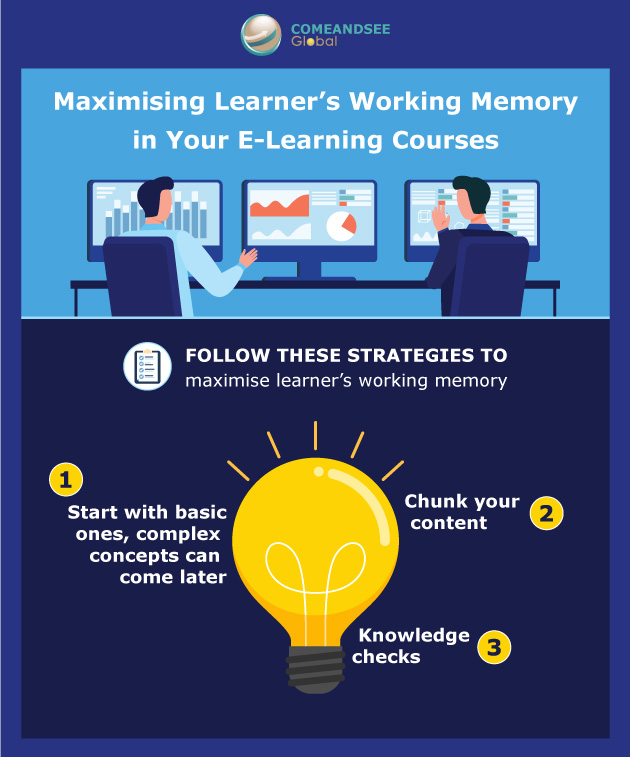
There are many strategies that can be adopted, three of them are:
- Start with basic ones, complex concepts can come later – When introduced to a new concept, unless the learner has some prior knowledge, the WM has neither a point of reference, nor the time to process it. In turn, the learner would just assume it to be irrelevant and discards it. It would be better to start with something simple that can be used at a later time in your course. Once learners have mastered the simple concepts, it will be easier for them when more complex ideas are introduced.
- Chunk your content! – Again, the working memory can only take so much! Ideally, this is the case if the concept being introduced is entirely new to the learners. This method creates lessons that are more easily digestible to the learners as chunking allows just the right amount of information to be absorbed effectively, rather than overwhelming the WM.
- Knowledge check – providing room for practice is important in e-learning! It creates a learner-centric environment. Instead of passively listening to a narrator all the way, learners can get an opportunity to apply the information they have just acquired. And in turn, leads to retention of the knowledge. Your knowledge checks do not have to be complicated— it could just be a simple multiple choice question.
In sum, these three methods can be adopted to enhance learner’s working memory and avoid cognitive overload. Undoubtedly, working memory is a powerful tool in learning, but it comes with limitations. As courseware creators, it is our job to identify and work our way within these limitations.
Reference:
1 Baddeley, A. (1992), Working Memory. Science, Vol. 255, pp. 556-559
Pappas, C. (2015), Enhancing Working Memory: 6 Strategies for e-Learning Professionals, retrieved from here.