
Online learning has proven itself to be advantageous to organisations by being time and cost-effective – corporate eLearning takes 40%-60% less time to complete in comparison to traditional learning, and reduces energy consumption by 90% (eLearning Industry, 2022).
It also allows the learner to do their learning at whatever time, place or device of their choosing. But when organisations make the leap to go from classroom to online training, there is a common mistake that happens.
They take what’s in the PowerPoint slides, and simply copy and paste it in an online format.
There is the belief that all you need are the slides to get the full learning content. In reality, the slides are more than likely just a reference for the instructor. That actual learning takes place as the instructor explains the materials, and while interacting with the learner, asking questions, controlling the flow, and providing group activities such as discussions and roleplay.
The slides themselves are therefore not sufficient to carry an entire training session, nor does it take advantage of the capabilities of eLearning. So, when transforming your content from the classroom setting to the eLearning platform, here are some things that you should keep in mind.
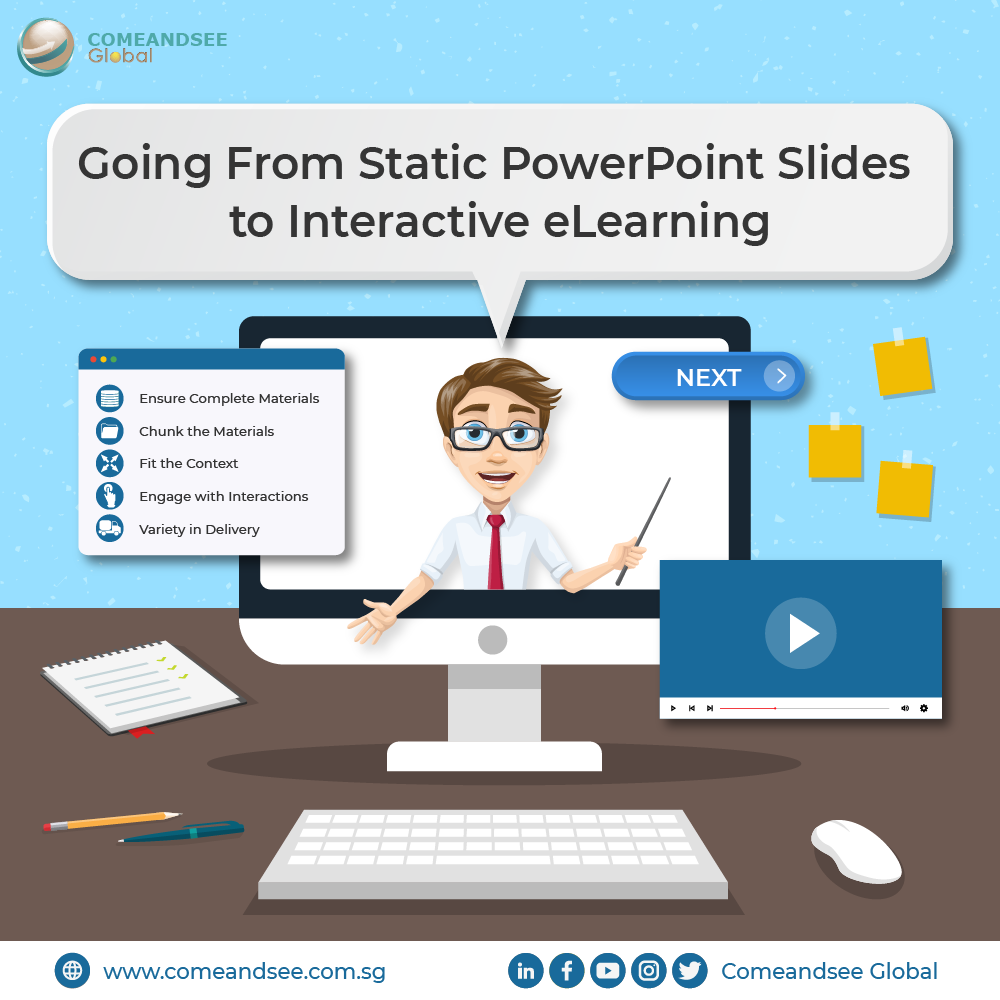
Ensure Complete Materials
Because PowerPoint slides are used more as highlights or a starting point, it is important to ensure that all the necessary content is provided – what would have been explained in detail or discussed, and so on. Also, decide what content is essential and what is ‘nice to know’ so that you do not bloat the eLearning and keep it relevant.
Chunk the Materials
One of the benefits of online learning is that learners can do it at their own pace; they can pause at their own convenience, refer back to lessons, and this allows them the time the absorb the materials before continuing the training. By chunking materials into bite-sized pieces, it provides natural checkpoints for the learners so they don’t feel overwhelmed.
Fit the Context
Some activities are designed to be done with a group face-to-face, or perhaps with props provided by the instructor. Rethink those activities while taking into account how the eLearning is delivered. Are learners going to be interacting while doing the eLearning? Or will it be asynchronous? Would it even translate well online, or would an alternative method be better?
Engage with Interactions
With all the technical capabilities of eLearning today, there is no excuse for a boring course where the learner just reads the text on the slide. Make use of visual storytelling to present complex ideas in an understandable and appealing way, add branching scenarios where they can make the right or wrong choice in a safe environment, and use simulations to show how a process or situation works. You can even transform bullet points into a click-and-reveal page. Figure out which content in your slide can be better served as an interactive activity.
Variety in Delivery
It is recommended that a variety of content delivery methods be used when presenting the learning materials to keep the learner engaged. This includes lectures, readings, animations, videos, audio, activities, and so on. Make sure that these methods are appropriate for your content.
There are different ways that you may choose to construct your course – by using eLearning authoring software such as Articulate Storyline 360, or a learning management system that provides these interactive features directly. In the end, it is important to keep in mind that classroom training and online training are not the same, so you should prepare your lessons in a way that makes best use of what each can offer.